Loading...

Product
Core Features
Top Extensions
Company
Subscribe to our newsletter.
Get product updates and news in your inbox. No spam.
中文 | English

Easily look up words or translate text

Originally developed by tisfeng, currently maintained by maxchang3.
Raycast Easydict is a simple, easy-to-use, cross-platform dictionary and translation extension for Raycast, supporting quick word lookups and text translation. In addition to traditional dictionary and translation services, it also supports AI-powered translation and lookup, including Raycast AI and OpenAI-compatible endpoints.
Beyond quick lookups, Raycast Easydict also works as a lightweight language-learning tool: save results to review offline, view Chinese character stroke-order diagrams, and export them to Anki for spaced-repetition practice.
💡 Looking for the native macOS app? Try the standalone Easydict App
Look up and translate
Learn and review
If you like this extension, please give it a Star ⭐️, thanks!
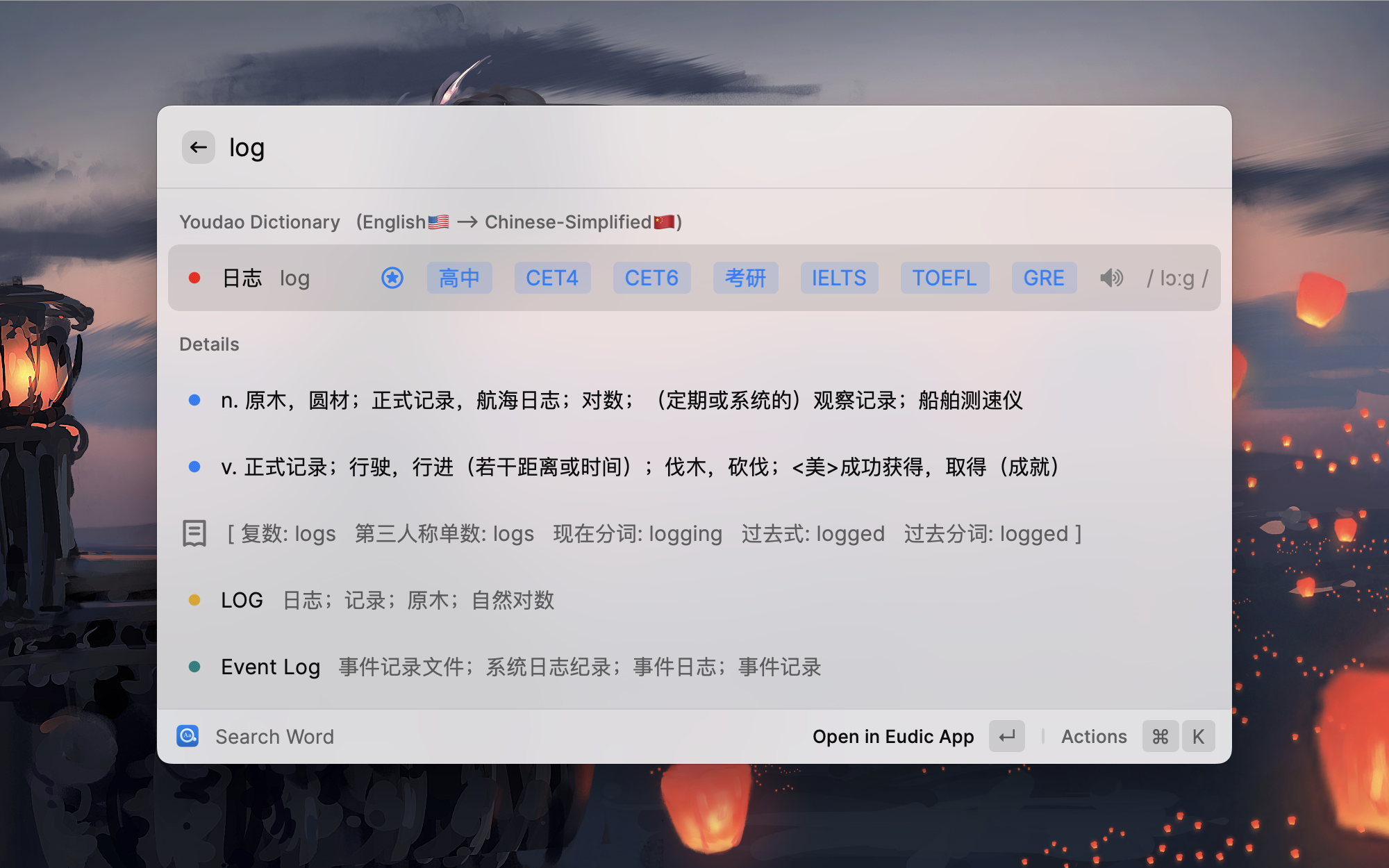
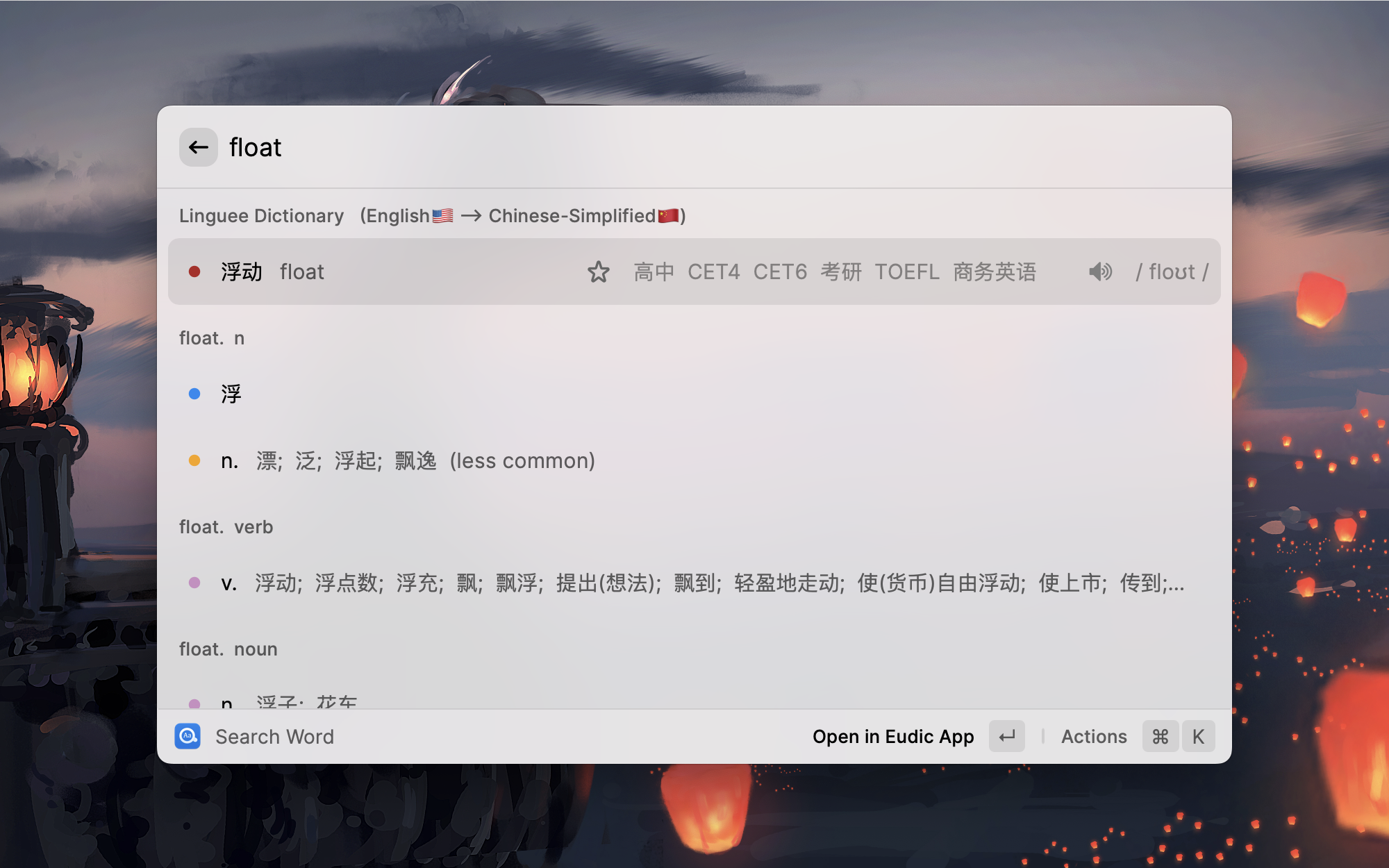
Youdao Modern Chinese Dict
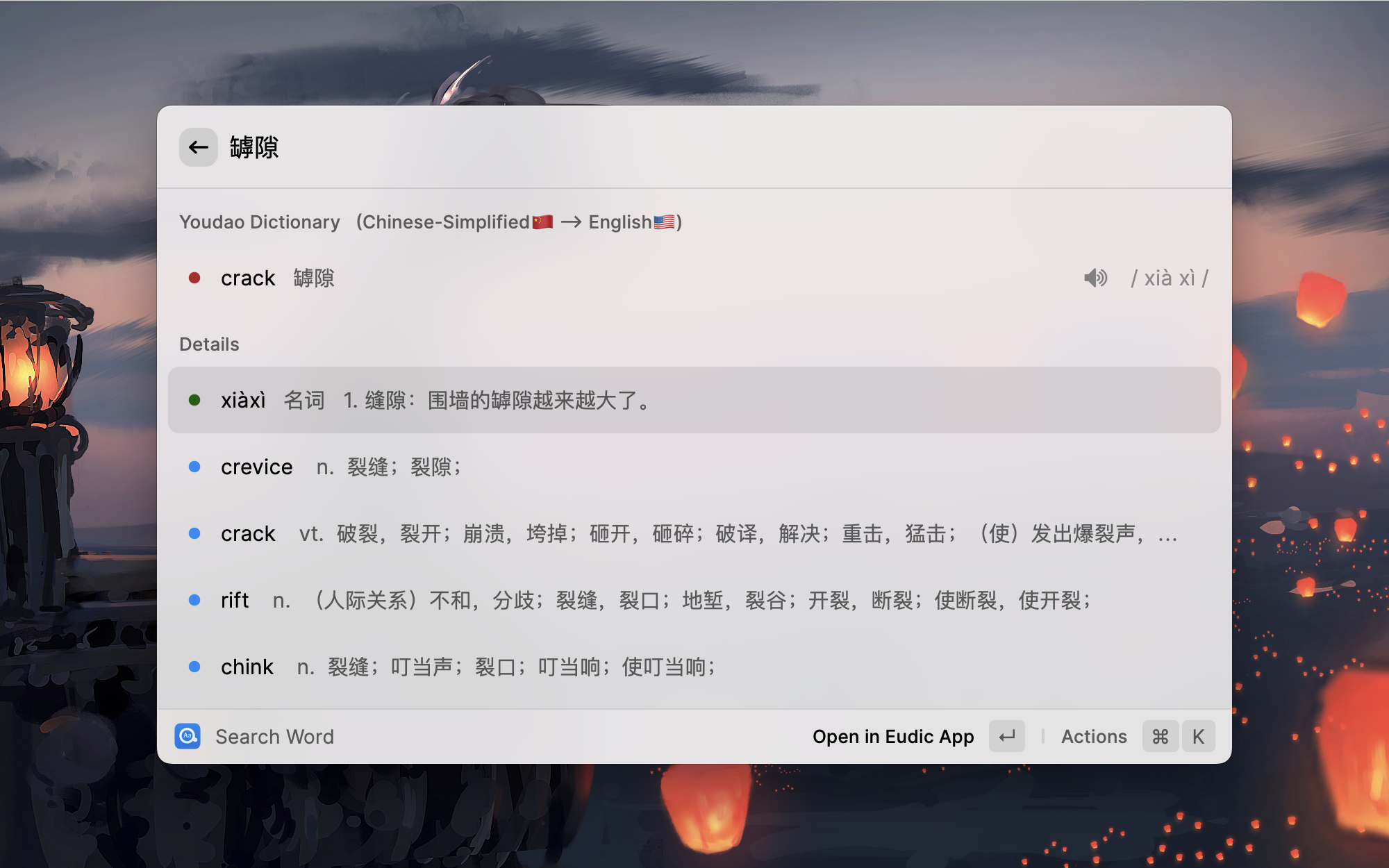
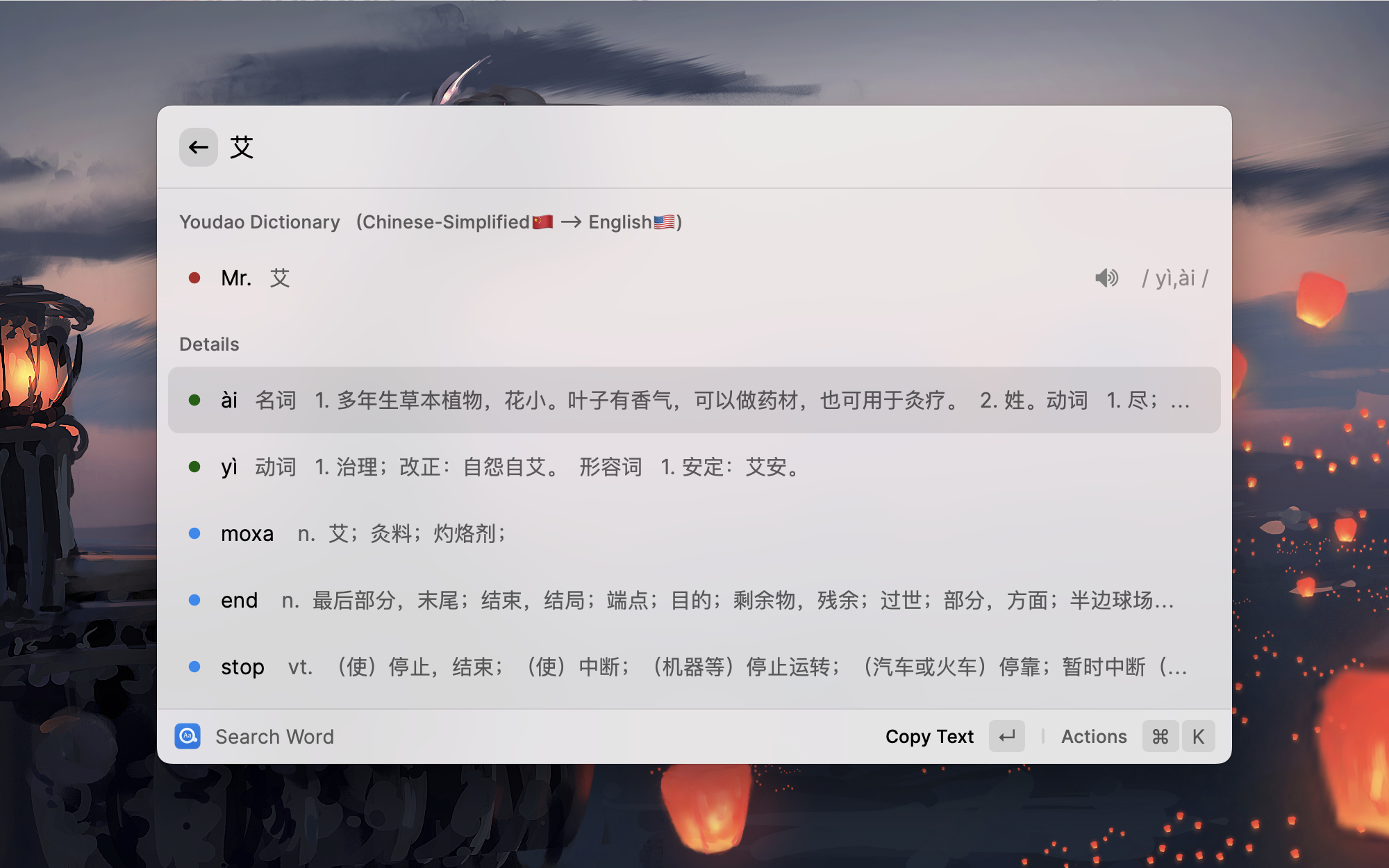
| English <--> Chinese | English <--> French |
|---|---|
 | 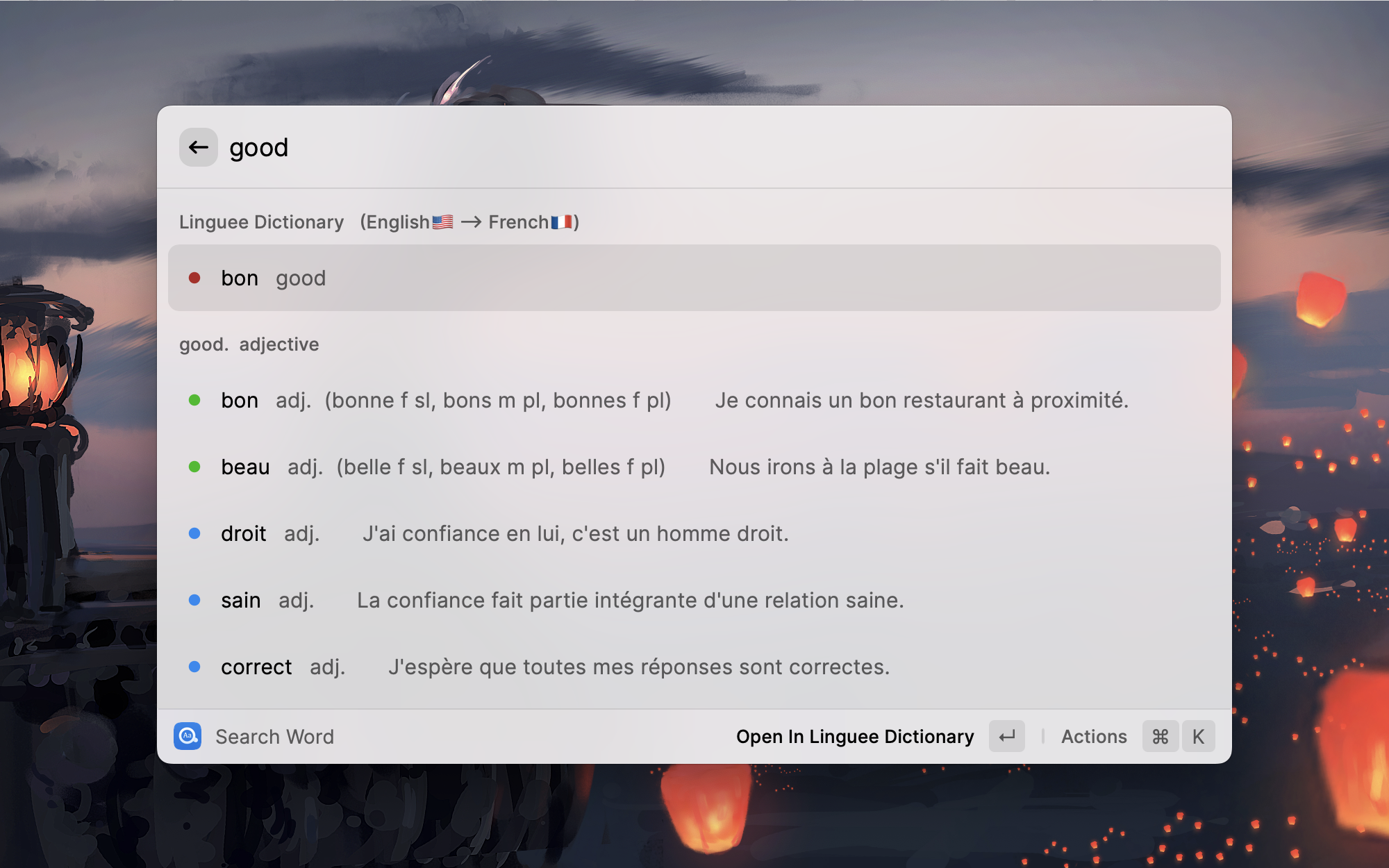 |
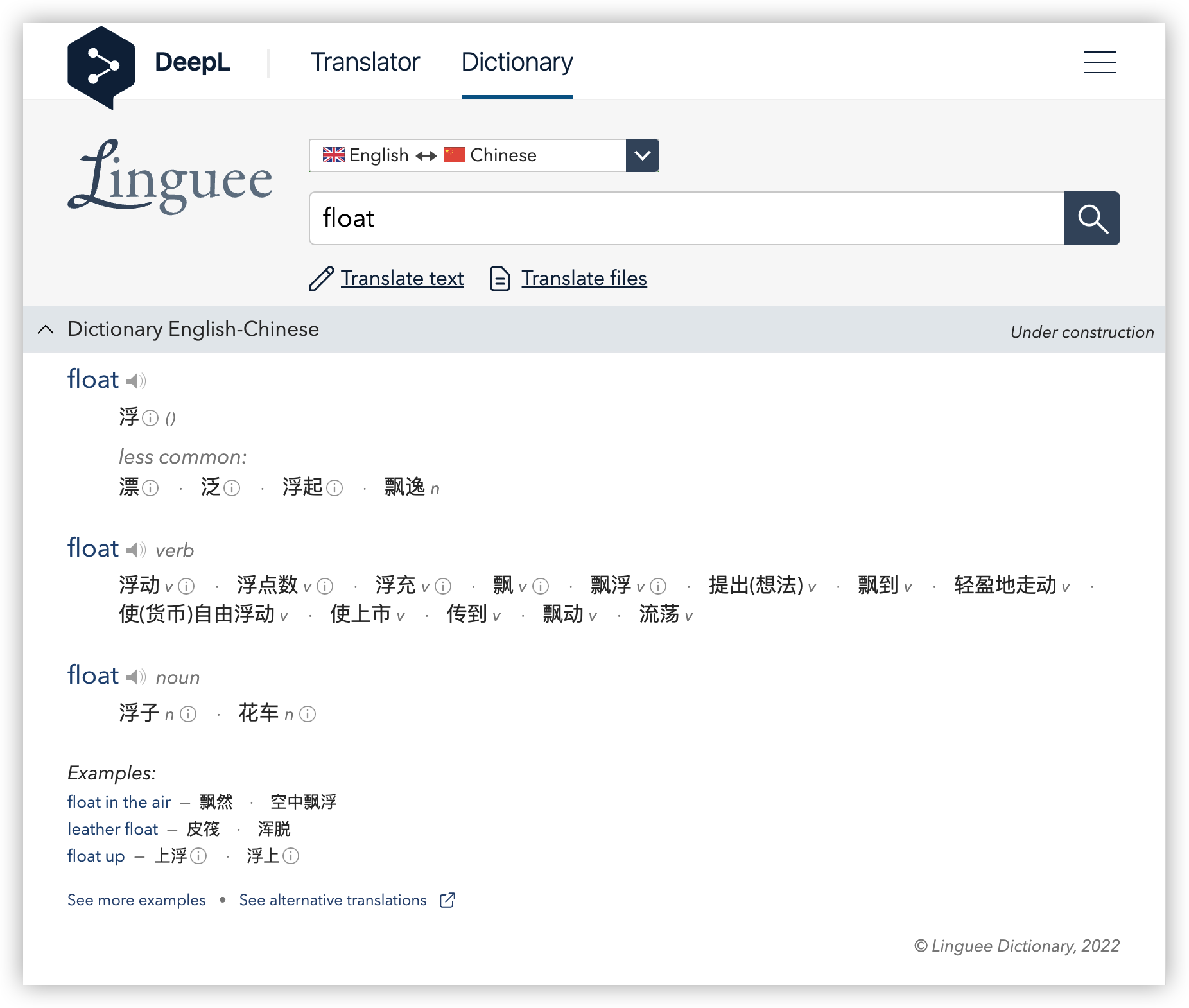 | 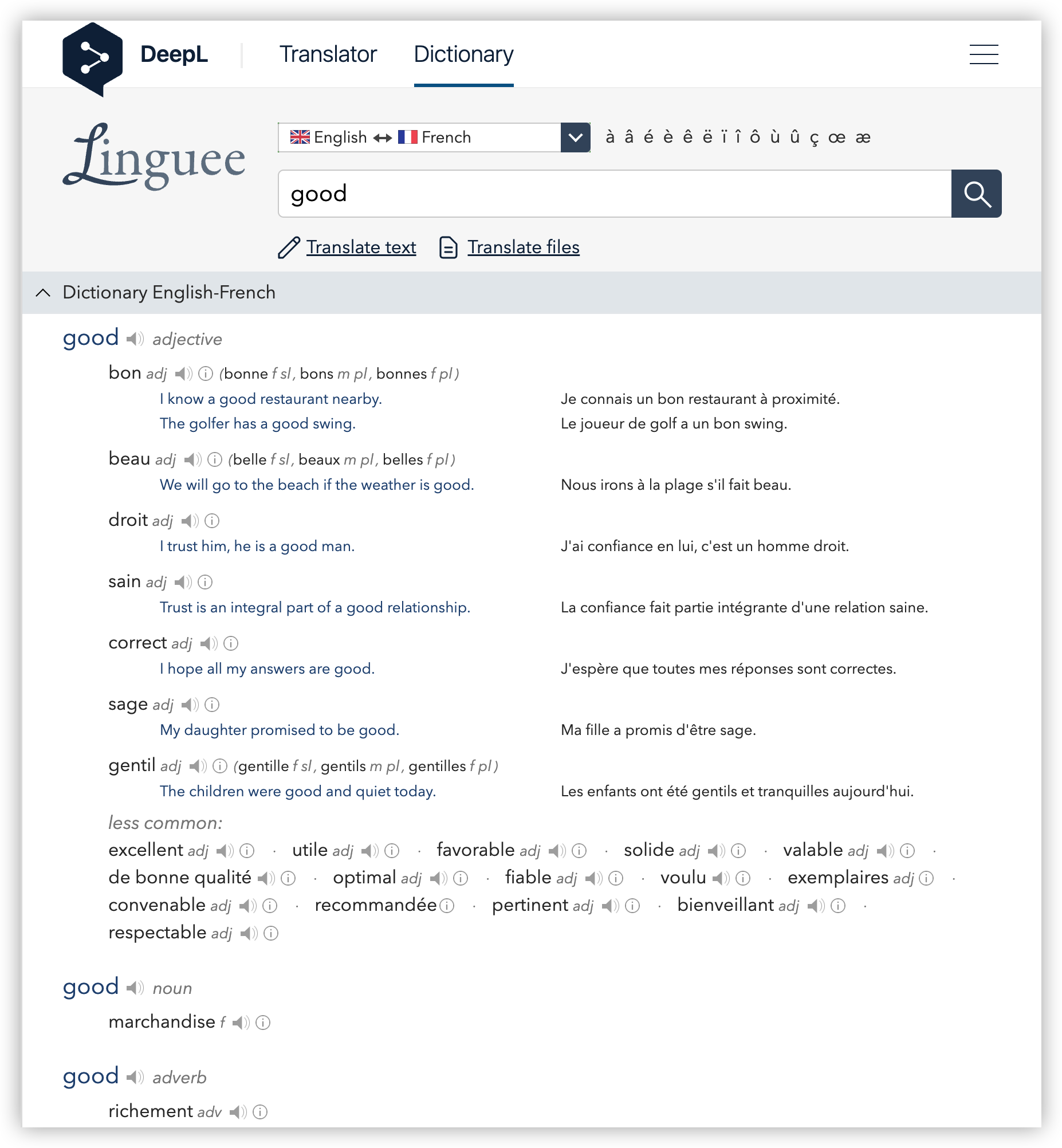 |
Cmd + M)
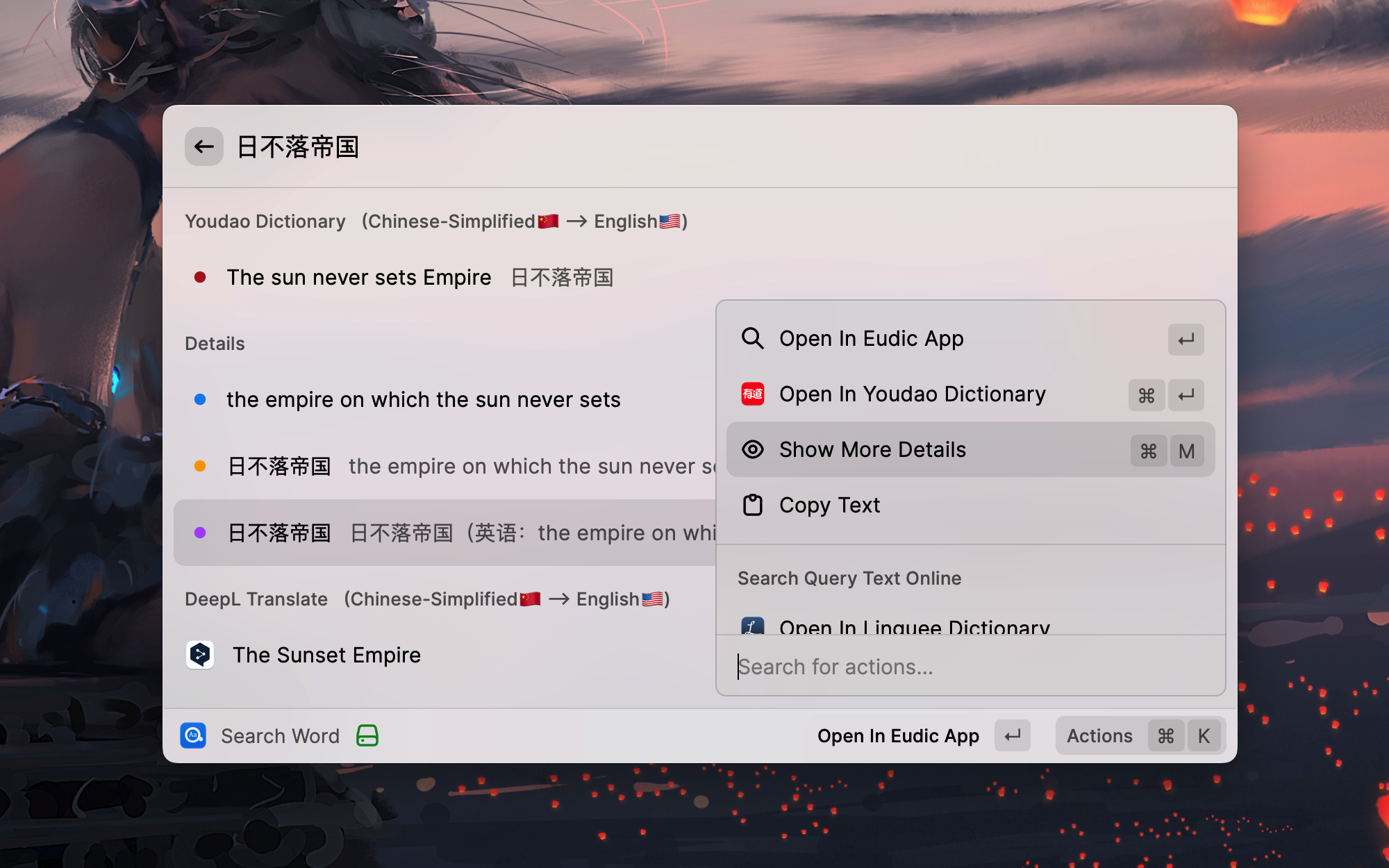
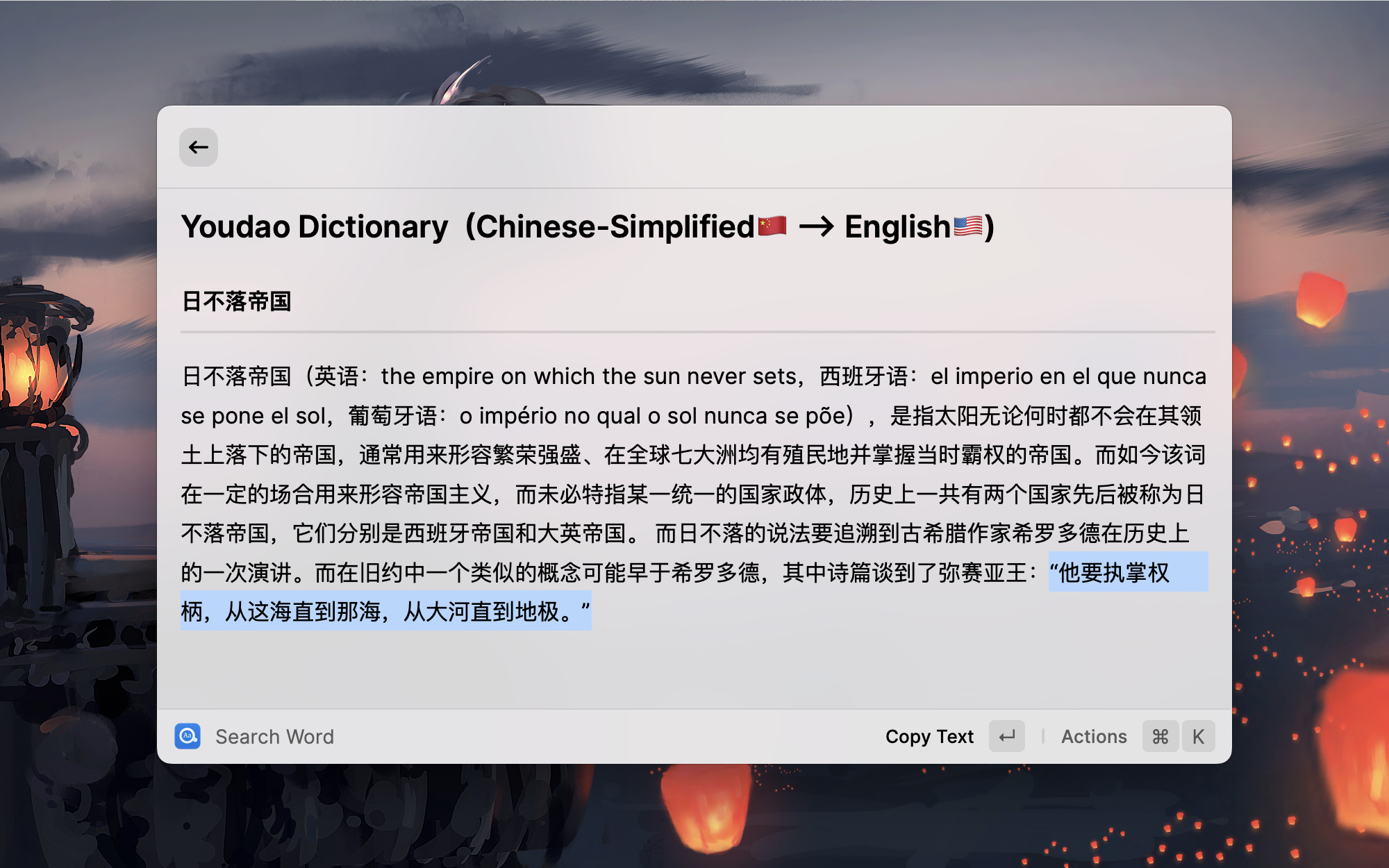
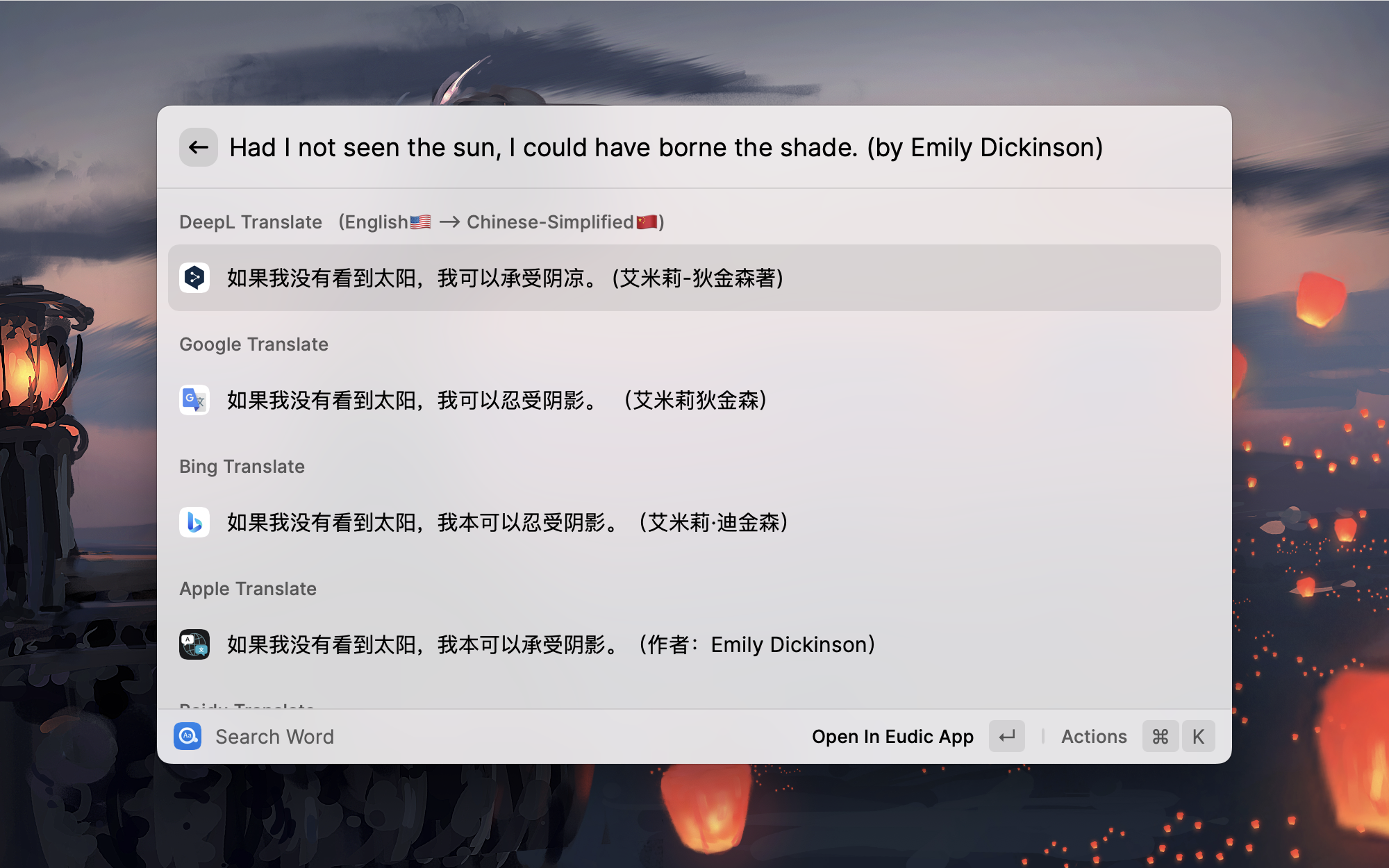
This is an extension of Raycast, so you need to install Raycast first. Easydict works on both macOS and Windows.
Raycast is a blazingly fast, totally extendable launcher. Similar to Alfred but it's completely free!
git clone https://github.com/tisfeng/Raycast-Easydict.git && cd Raycast-Easydict

npm install && npm run dev
Easydict works well out of the box. The following options help you customize its behavior.
Use the Manage Providers command to manage AI providers and to set the order in which all providers are queried.
Providers and order
Cmd+Option+Up/Down on macOS, Ctrl+Alt+Up/Down on Windows).AI providers
Legacy migration
The default preferred languages are simplified Chinese and English. You can change them according to your preferences.
Preference language has two main functions:
Preference language will be given priority in order during automatic detection. This is because some words may represent multiple languages at the same time, and the automatic detection program cannot work as expected. In most cases, the automatic detection of input text is very useful, except for very few special cases. For example, the English word heel will be automatically recognized into Dutch by Youdao translation, and then the translation results are not what we expect. At this time, if your Easydict preferred language contains English, it will be recognized into English first and translated correctly.
For example, if you input a sentence arbitrarily, it will be translated into the first preferred language. If the automatically recognized language is the same as your first preferred language, it will be automatically translated into the second preferred language.
By default, the extension will automatically select the preferred language as the target translation language. However, sometimes if you want to manually specify a language as the target language, you can turn on this option in the preferences and then you can temporarily select another target language in the action panel.
In order to better match the automatic selected text feature, it is a good idea to set a hotkey for Easydict, such as Cmd + E, so that after selected the text, you can directly query words through the hotkey, which is very smooth and elegant.
Note that when this option is started, the voice will be played only when the query is judged to be is_Word and in English, e.g. good, look for, etc. Use Read Query Text to play other queries manually.
The content of playing voice: English words are pronounced by the online Youdao dictionary first, and other words are pronounced by the TTS service of Youdao translation. For long text playback, use the say command.
Use these shortcuts from a query result:
| Action | macOS | Windows |
|---|---|---|
| Read Query Text | Cmd+R | Ctrl+R |
| Read Result Text | Cmd+Shift+R | Ctrl+Shift+R |
| Requery All Services | Cmd+Option+R | Ctrl+Alt+R |
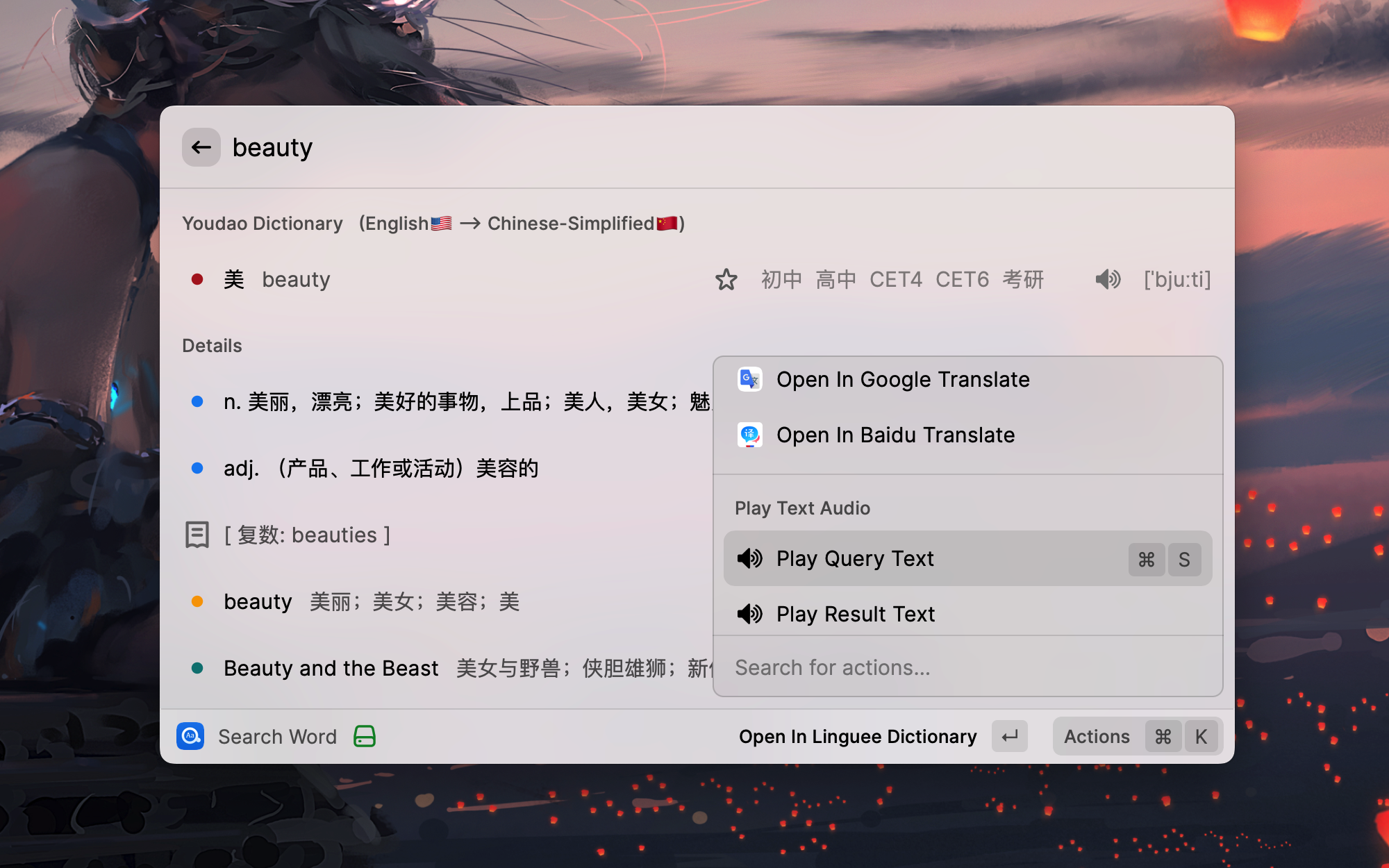
Open Preferences from a query result's action menu to configure caching. Query Cache controls completed dictionary and machine translation results; AI Query Cache controls completed AI translations and dictionary entries. Both default to Off. Choose Words Only to cache input recognized as a word or term, or All Text to also cache sentences and longer text.
Built-in dictionary results are retained for up to 7 days; machine translations and AI results for up to 24 hours. Confirmed language-detection results are also cached for up to 24 hours when either setting permits caching the input. There is no separate language-detection cache setting; it is disabled when both settings are Off.
Cached results show a clock indicator. Use these actions to manage them:
Fresh results from requerying or regeneration replace the cached result when the corresponding cache mode allows caching that input.
Favorites remain available offline after upgrading. Older versions only see the snapshot from before the upgrade, and edits made in either version do not sync between formats.
If saved favorites cannot be read, Favorite Words keeps the original data and blocks changes. Use Export Original Data to save a local JSON backup, or Restore from Backup to select a valid backup; Restore Previous-Version Favorites recovers the retained collection when the current data is damaged. The current data is backed up before either restore. Backups are stored locally in the extension support directory, and Open Backup Folder reveals them. Data from a newer version stays read-only: export it and open it with a compatible Easydict version.
These preferences control how Favorite Words are sent to Anki.
Easydict); the deck and an Easydict note type are created on first use.http://127.0.0.1:8765); change it when AnkiConnect listens on a custom port or on another machine.Easydict supports system proxy. To use it, turn on Use System Proxy Settings in the Raycast extension settings. When enabled, all network requests will be sent through the system proxy. This is useful for services that require a proxy (e.g., Google Translate in China) or for counter IP blocking (some services such as Linguee have frequency restrictions on IPs). Enabling proxy may slow down response time, so please enable it only when needed.
On Windows, OCR Translate recognizes text with the built-in Windows OCR engine and the OCR language packs installed in Windows. Run Select OCR Language to see the installed languages and pin one; the default Automatic (Windows profile) creates the engine from the first OCR-capable language in your Windows language settings. Install more language packs under Windows Settings → Time & Language → Language & Region. This command does not affect macOS, where recognition uses Apple Vision and detects the language automatically.
Favorite Words can be sent to Anki for spaced-repetition review through the AnkiConnect add-on (code 2055492159).
Cmd + Option + A, Ctrl + Shift + A on Windows) or Add All to Anki from a favorite's action menu. If Anki is not running, the word is still saved to Favorites and can be sent later with Add All to Anki.The deck, the AnkiConnect address, and automatic adding are configured in Anki Preferences.
You need to install PopClip first, then add a shortcut key for Easydict, such as Cmd + E, then you can open Easydict quickly with PopClip!
Usage: Select the following code block, PopClip will show "Install Easydict", just click it.
  # popclip
  name: Easydict
  icon: search E
  key combo: command E
Ref: https://github.com/pilotmoon/PopClip-Extensions#extension-snippets-examples
If the Eudic dictionary app is installed, Open in Eudic App opens the queried word in it (macOS).
Currently we support 49 languages: Simplified Chinese, Traditional Chinese, English, Japanese, Korean, French, Spanish, Portuguese, Italian, German, Russian, Arabic, Swedish, Romanian, Thai, Slovak, Dutch, Hungarian, Greek, Danish, Finnish, Polish, Czech, Turkish, Lithuanian, Latvian, Ukrainian, Bulgarian, Indonesian, Malay, Slovenian, Estonian, Vietnamese, Persian, Hindi, Telugu, Tamil, Urdu, Filipino, Khmer, Lao, Bangla, Burmese, Norwegian, Georgian, Serbian, Croatian, Mongolian, Hebrew.
Easydict uses four remote language detection services: Bing, Baidu, Tencent, and Volcano. Franc provides the local fallback.
Bing and Baidu language detection are enabled by default. Tencent and Volcano can be enabled independently in preferences and require their corresponding credentials. In general, enabling more detection services can improve accuracy and response time.
Details of the languages supported by each language detection service are as follows:
| Languages | Bing | Baidu | Volcano | Tencent |
|---|---|---|---|---|
| Simplified Chinese | ✅ | ✅ | ✅ | ✅ |
| Traditional Chinese | ✅ | ✅ | ✅ | ❌ |
| English | ✅ | ✅ | ✅ | ✅ |
| Japanese | ✅ | ✅ | ✅ | ✅ |
| Korean | ✅ | ✅ | ✅ | ✅ |
| French | ✅ | ✅ | ✅ | ✅ |
| Spanish | ✅ | ✅ | ✅ | ✅ |
| Portuguese | ✅ | ✅ | ✅ | ✅ |
| Italian | ✅ | ✅ | ✅ | ✅ |
| German | ✅ | ✅ | ✅ | ✅ |
| Russian | ✅ | ✅ | ✅ | ✅ |
| Arabic | ✅ | ✅ | ✅ | ❌ |
| Swedish | ✅ | ✅ | ✅ | ❌ |
| Romanian | ✅ | ✅ | ✅ | ❌ |
| Thai | ✅ | ✅ | ✅ | ✅ |
| Slovak | ✅ | ✅ | ✅ | ❌ |
| Dutch | ✅ | ✅ | ✅ | ❌ |
| Hungarian | ✅ | ✅ | ✅ | ❌ |
| Greek | ✅ | ✅ | ✅ | ❌ |
| Danish | ✅ | ✅ | ✅ | ❌ |
| Finnish | ✅ | ✅ | ✅ | ❌ |
| Polish | ✅ | ✅ | ✅ | ❌ |
| Czech | ✅ | ✅ | ✅ | ❌ |
| Turkish | ✅ | ✅ | ✅ | ✅ |
| Lithuanian | ✅ | ✅ | ✅ | ❌ |
| Latvian | ✅ | ✅ | ✅ | ❌ |
| Ukrainian | ✅ | ✅ | ✅ | ❌ |
| Bulgarian | ✅ | ✅ | ✅ | ❌ |
| Indonesian | ✅ | ✅ | ✅ | ✅ |
| Malay | ✅ | ✅ | ✅ | ✅ |
| Slovenian | ✅ | ✅ | ✅ | ❌ |
| Estonian | ✅ | ✅ | ✅ | ❌ |
| Vietnamese | ✅ | ✅ | ✅ | ✅ |
| Persian | ✅ | ✅ | ✅ | ❌ |
| Hindi | ✅ | ✅ | ✅ | ❌ |
| Telugu | ✅ | ✅ | ✅ | ❌ |
| Tamil | ✅ | ✅ | ✅ | ❌ |
| Urdu | ✅ | ✅ | ✅ | ❌ |
| Filipino | ✅ | ✅ | ✅ | ❌ |
| Khmer | ✅ | ✅ | ✅ | ❌ |
| Lao | ✅ | ✅ | ✅ | ❌ |
| Bangla | ✅ | ✅ | ✅ | ❌ |
| Burmese | ✅ | ✅ | ✅ | ❌ |
| Norwegian | ✅ | ✅ | ✅ | ❌ |
| Georgian | ✅ | ✅ | ✅ | ❌ |
| Serbian | ✅ | ✅ | ✅ | ❌ |
| Croatian | ✅ | ✅ | ✅ | ❌ |
| Mongolian | ✅ | ✅ | ✅ | ❌ |
| Hebrew | ✅ | ✅ | ✅ | ❌ |
Support 5 languages, (Chinese), English, French, Japanese, Korean.
Support 19 languages, (Chinese, Japanese, Russian), English, French, Spanish, Portuguese, Italian, German, Swedish, Romanian, Slovak, Dutch, Hungarian, Greek, Danish, Finnish, Polish, Czech.
Currently, we support OpenAI, Gemini, DeepL, Google, Bing, 🍎 Apple, Baidu, Tencent, Volcano, Youdao, and Caiyun translation, total 11 translation services.
Google and DeepL translations support system proxy. To enable proxy, turn on Use System Proxy Settings in the Raycast extension settings. (DeepL works without a proxy, but sometimes requests time out)
Note ⚠️: Google Translate China site (translate.google.cn) is currently unavailable. You can only use the international version (translate.google.com), so you may need to enable a proxy to use Google Translate.
🍎 Apple System Translation requires a one-time setup with the Shortcuts app; see How to use macOS Apple System Translation in Easydict?.
Supported translation languages:
| Languages | Youdao | DeepL | Bing | 🍎 Apple | Baidu | Volcano | Tencent | Caiyun | |
|---|---|---|---|---|---|---|---|---|---|
| Simplified Chinese | ✅ | ✅ | ✅ | ✅ | ✅ | ✅ | ✅ | ✅ | ✅ |
| Traditional Chinese | ✅ | ✅ | ✅ | ✅ | ✅ | ✅ | ✅ | ✅ | ❌ |
| English | ✅ | ✅ | ✅ | ✅ | ✅ | ✅ | ✅ | ✅ | ✅ |
| Japanese | ✅ | ✅ | ✅ | ✅ | ✅ | ✅ | ✅ | ✅ | ✅ |
| Korean | ✅ | ✅ | ✅ | ✅ | ✅ | ✅ | ✅ | ✅ | ❌ |
| French | ✅ | ✅ | ✅ | ✅ | ✅ | ✅ | ✅ | ✅ | ❌ |
| Spanish | ✅ | ✅ | ✅ | ✅ | ✅ | ✅ | ✅ | ✅ | ❌ |
| Portuguese | ✅ | ✅ | ✅ | ✅ | ✅ | ✅ | ✅ | ✅ | ❌ |
| Italian | ✅ | ✅ | ✅ | ✅ | ✅ | ✅ | ✅ | ✅ | ❌ |
| German | ✅ | ✅ | ✅ | ✅ | ✅ | ✅ | ✅ | ✅ | ❌ |
| Russian | ✅ | ✅ | ✅ | ✅ | ✅ | ✅ | ✅ | ✅ | ❌ |
| Arabic | ✅ | ✅ | ✅ | ✅ | ✅ | ✅ | ✅ | ✅ | ❌ |
| Swedish | ✅ | ✅ | ✅ | ✅ | ❌ | ✅ | ✅ | ❌ | ❌ |
| Romanian | ✅ | ✅ | ✅ | ✅ | ❌ | ✅ | ✅ | ❌ | ❌ |
| Thai | ✅ | ❌ | ✅ | ✅ | ✅ | ✅ | ✅ | ✅ | ❌ |
| Slovak | ✅ | ✅ | ✅ | ✅ | ❌ | ✅ | ✅ | ❌ | ❌ |
| Dutch | ✅ | ✅ | ✅ | ✅ | ✅ | ✅ | ✅ | ❌ | ❌ |
| Hungarian | ✅ | ✅ | ✅ | ✅ | ❌ | ✅ | ✅ | ❌ | ❌ |
| Greek | ✅ | ✅ | ✅ | ✅ | ❌ | ✅ | ✅ | ❌ | ❌ |
| Danish | ✅ | ✅ | ✅ | ✅ | ❌ | ✅ | ✅ | ❌ | ❌ |
| Finnish | ✅ | ✅ | ✅ | ✅ | ❌ | ✅ | ✅ | ❌ | ❌ |
| Polish | ✅ | ✅ | ✅ | ✅ | ✅ | ✅ | ✅ | ❌ | ❌ |
| Czech | ✅ | ✅ | ✅ | ✅ | ❌ | ✅ | ✅ | ❌ | ❌ |
| Turkish | ✅ | ✅ | ✅ | ✅ | ✅ | ✅ | ✅ | ✅ | ❌ |
| Lithuanian | ✅ | ✅ | ✅ | ✅ | ❌ | ✅ | ✅ | ❌ | ❌ |
| Latvian | ✅ | ✅ | ✅ | ✅ | ❌ | ✅ | ✅ | ❌ | ❌ |
| Ukrainian | ✅ | ✅ | ✅ | ✅ | ✅ | ✅ | ✅ | ❌ | ❌ |
| Bulgarian | ✅ | ✅ | ✅ | ✅ | ❌ | ✅ | ✅ | ❌ | ❌ |
| Indonesian | ✅ | ✅ | ✅ | ✅ | ✅ | ✅ | ✅ | ✅ | ❌ |
| Malay | ✅ | ❌ | ✅ | ✅ | ❌ | ✅ | ✅ | ✅ | ❌ |
| Slovenian | ✅ | ✅ | ✅ | ✅ | ❌ | ✅ | ✅ | ❌ | ❌ |
| Estonian | ✅ | ✅ | ✅ | ✅ | ❌ | ✅ | ✅ | ❌ | ❌ |
| Vietnamese | ✅ | ❌ | ✅ | ✅ | ✅ | ✅ | ✅ | ✅ | ❌ |
| Persian | ✅ | ❌ | ✅ | ✅ | ❌ | ✅ | ✅ | ❌ | ❌ |
| Hindi | ✅ | ❌ | ✅ | ✅ | ❌ | ✅ | ✅ | ✅ | ❌ |
| Telugu | ✅ | ❌ | ✅ | ✅ | ❌ | ✅ | ✅ | ❌ | ❌ |
| Tamil | ✅ | ❌ | ✅ | ✅ | ❌ | ✅ | ✅ | ❌ | ❌ |
| Urdu | ✅ | ❌ | ✅ | ✅ | ❌ | ✅ | ✅ | ❌ | ❌ |
| Filipino | ✅ | ❌ | ✅ | ✅ | ❌ | ✅ | ✅ | ❌ | ❌ |
| Khmer | ✅ | ❌ | ✅ | ✅ | ❌ | ✅ | ✅ | ❌ | ❌ |
| Lao | ✅ | ❌ | ✅ | ✅ | ❌ | ✅ | ✅ | ❌ | ❌ |
| Bangla | ✅ | ❌ | ✅ | ✅ | ❌ | ✅ | ✅ | ❌ | ❌ |
| Burmese | ✅ | ❌ | ✅ | ✅ | ❌ | ✅ | ✅ | ❌ | ❌ |
| Norwegian | ✅ | ✅ | ✅ | ✅ | ❌ | ✅ | ✅ | ❌ | ❌ |
| Georgian | ✅ | ❌ | ✅ | ✅ | ❌ | ✅ | ✅ | ❌ | ❌ |
| Serbian | ✅ | ❌ | ✅ | ✅ | ❌ | ✅ | ✅ | ❌ | ❌ |
| Croatian | ✅ | ❌ | ✅ | ✅ | ❌ | ✅ | ✅ | ❌ | ❌ |
| Mongolian | ✅ | ❌ | ✅ | ✅ | ❌ | ✅ | ✅ | ❌ | ❌ |
| Hebrew | ✅ | ❌ | ✅ | ✅ | ❌ | ✅ | ✅ | ❌ | ❌ |
For ease of use, we provide built-in API credentials (AppID and AppKey) for translation services. However, these shared services have rate limits. If too many users access them simultaneously, responses may slow down or fail. Therefore, for the best experience, we highly recommend applying for your own dedicated API credentials and updating them in the Preferences page.
Don't worry, these services offer generous free tiers that are more than enough for personal use.
The following tutorial (from Bob) will guide you through the application process step by step.
text translation and speech synthesis. (You will receive ¥50 experience fund)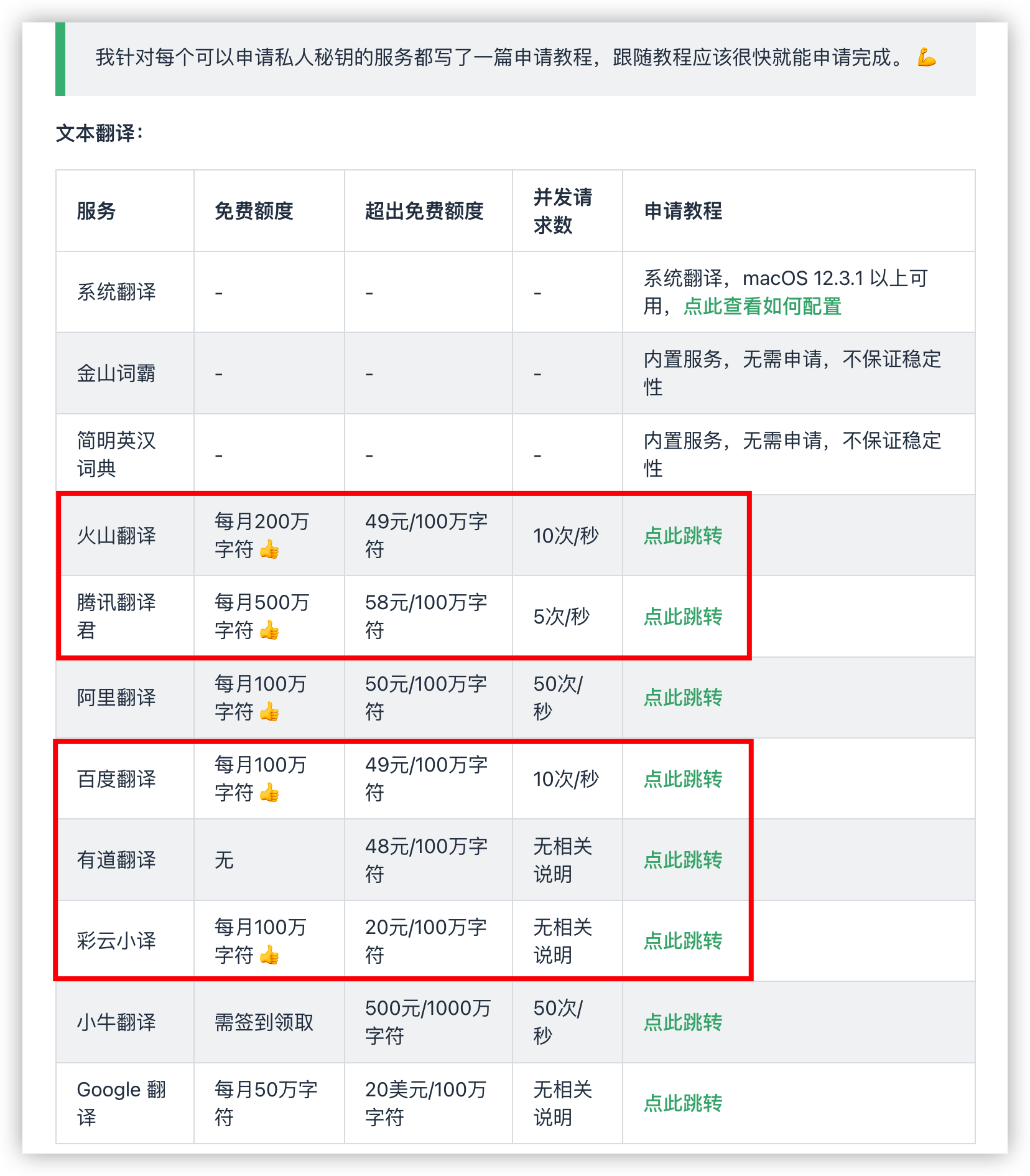
Easydict improves upon the original project by refining the UI, adding practical new features, removing overly complex operations, and heavily optimizing performance.